Update Portal
2 min
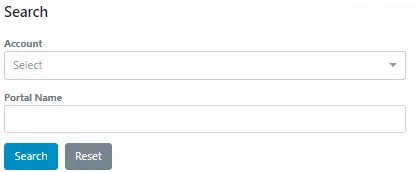
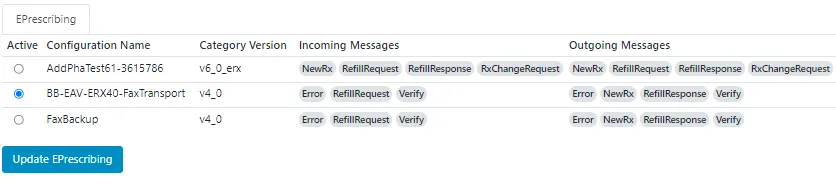
The Update Portal feature enables you to update your active portal configuration at any time without needing a Surescripts representative.
After your portal build requirements are complete, a Surescripts representative prepares the new configuration. You can then choose which portal or portals to activate. This gives you control over when to upgrade from one version to another without additional assistance.
To use the Update Portal, you must have access. Sign in to the Surescripts Hub in the production enviorment with your designated Updater account and confirm that you can see Directory Manager with the Update Portal feature inside it.
If you can’t access the website, ensure your system allows access to the following addresses:
- URL: https://sso.surescripts.net/account/login
- IP addresses: 64.201.224.221 and 69.25.46.221
- URL: https://directory.surescripts.net
- IP addresses: 64.201.224.199 and 69.25.46.199