Adding and Using Worklist Location Groups
1 min
The Worklist Location Groups feature enables you to group multiple locations together so that all tasks for those locations can be viewed in a single worklist. Configuration for this feature can be accessed by navigating to the Worklist Location Groups page from the upper-right corner menu of the screen.
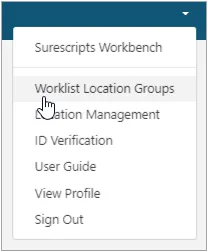
To add a Worklist Location Group
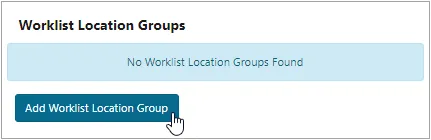
- Click the Add Worklist Location Group button after navigating to the correct page as shown above,
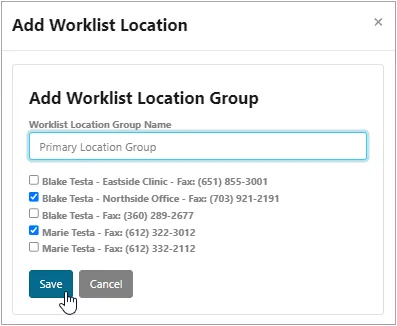
- Select the locations you would like to be part of your Worklist Location Group, enter a name for it in the provided field, and then click Save.
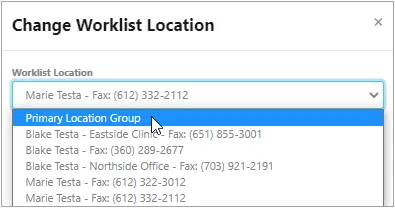
- Load the Worklist Location Group by clicking Change Worklist Location from the Worklist page, and then selecting the one that you created.